
Pick French kiss in the style picker, add a photo of each person or one photo with both, and choose 5, 10 or 15 seconds. You get an MP4 with sound, no account to make, and the clip is usually ready in under a minute.
No sign-up · Ready in under a minute · Runs in your browser
Sample AI Kiss output clip, looping. Tap the speaker to hear the sound it was generated with.
What you get
- Clip length
- 5, 10 or 15 s
- Format
- MP4
- Typical wait
- Under a minute
- Sound
- Included in the MP4
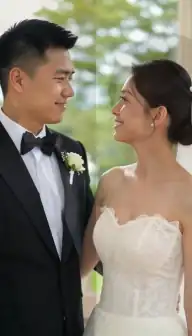
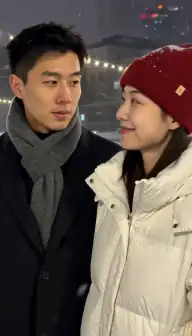
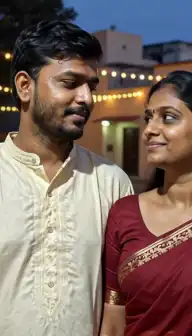
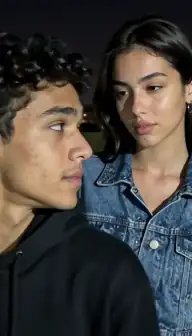
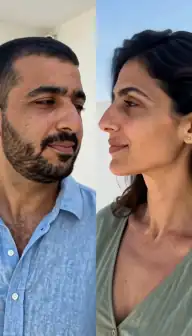
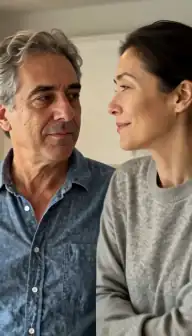
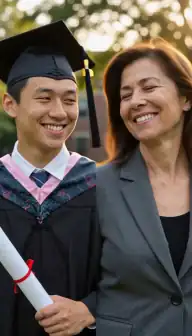
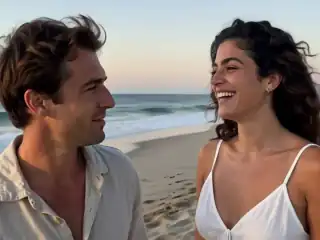
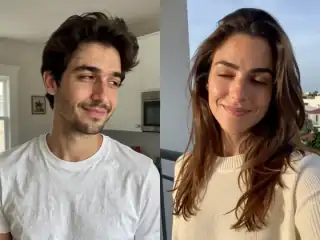
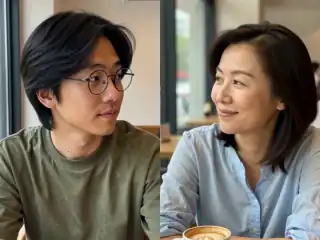
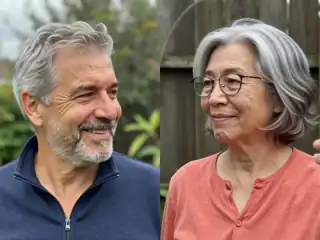
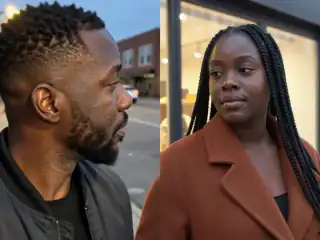
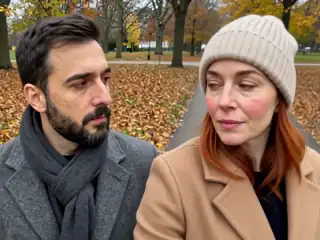
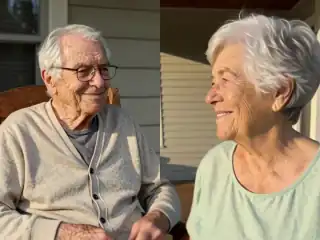
No account
No sign-up, no email, no password.
Photos stay yours
Used for your clip, then deleted.
Stripe checkout
Card details never reach us.
One-time payment
No subscription, nothing renews.
How it works
From two photos to a clip of 5, 10 or 15 seconds
Three steps in the browser. Generation usually takes under a minute.
- Step 1
Upload the two faces
One clear photo per person, or a single photo that already shows both of them. Front-facing shots with visible mouths work best for this style.
- Step 2
Choose French kiss
In the style picker choose French kiss instead of the default Kiss, then set the frame to 4:3 or 9:16 depending on where the clip is going.
- Step 3
Generate and wait
The two photos are combined into one keyframe and animated. Most clips are ready in under a minute and land under My videos.
- Step 4
Download the MP4
Play it in the browser, download it to your device, or share it. If the render fails, your credit returns automatically and you can retry.
Details
Photo requirements
Most failed generations come down to the source photos, not the model. These are the ones that matter.
- One face per photo in two-photo mode, or a single photo showing both faces clearly.
- Mouths visible and unobstructed. Masks, hands and pulled-up collars break this style badly.
- Faces towards the camera. A three-quarter angle is fine, a strict profile is not.
- Even, reasonably bright light so the lips and jawline have real detail to animate.
- JPG, PNG or WebP, sharp and not heavily filtered or upscaled.
- Your own photos, adults only, and only people who agreed to appear in the video.
What the French kiss style changes
French kiss is one of fifteen styles in the app, and one of the three most used alongside Kiss and Hug. It asks for a deeper, more intimate kiss rather than the closed-mouth peck the default style produces: the faces come closer, the angle tilts, and the motion is slower and more sustained across the clip.
Everything else stays the same. It is still one keyframe built from your photos, still 5, 10 or 15 seconds at your choice, still an MP4 with sound at the aspect ratio you chose. The style is a direction given to the model before the render, so you pick it up front rather than adjusting it afterwards. If you want both the soft version and the French version from the same pair of photos, that is two separate generations.
If you are not sure which one you want, the plain AI kiss generator page covers the default style and shows what a standard kiss clip looks like.
How long is an AI French kiss video?
Five, ten or fifteen seconds, and you pick before you generate. That is worth saying plainly, because a lot of people search for a French kiss AI 10 seconds clip and expect to be told no: the ten-second option is there, and so is fifteen. The cost follows the length rather than the style, so a 10-second French kiss costs exactly what a 10-second plain kiss costs.
Five seconds is still the default, and not by accident. Short AI clips hold up better than long ones: faces stay consistent, hands stay where they should be, and the motion has less time to drift into something strange. It is also the right length for a Reel, a Story, a TikTok or a message, where the first two seconds carry the whole thing anyway. Choose 10 or 15 when the clip has somewhere to go, and 5 when the likeness matters most.
If you need something longer than fifteen seconds, the usual approach is to generate two or three clips from different photos of the same pair and cut them together in any free video editor.
Is there a free AI French kiss generator?
Not here, and being clear about that is the point. AI Kiss charges once per video, with no subscription, no account and no email address collected. Several other tools do run free tiers, generally in exchange for registering and living inside a daily credit allowance, and some tie watermark-free output to a paid upgrade.
That is a real choice rather than a trick, and it depends on what you value. If you want a zero-cost clip and do not mind signing up, take the free credits. If you want to upload, pay once and leave without a plan attached to your name, this is the trade on offer here. The no-login page explains exactly what is free and what is not, and the comparison page lists what each competing tool states on its own site.
Photos that suit this style
The French kiss style leans on the lower half of the face, so choose photos where the mouth and jaw are visible and sharp. A relaxed, slightly open-mouthed expression animates more naturally than a wide grin with all teeth showing, and a neutral closed mouth works well too.
Head angle matters more than for the other styles. A face pointed at the camera or turned at most a quarter away gives the model both sides of the mouth to work with. A strict side profile gives it one cheek and a guess, which is where most disappointing results come from.
Match your two photos to each other on brightness, sharpness and how large the head sits in the frame. Two daylight portraits taken at arm's length will blend. A tight studio headshot next to a distant party photo will not. There is a full checklist in the photo requirements guide.
Where to use the clip
Choose 9:16 if the clip is going to Reels, TikTok or a Story, and the video fills the screen with no cropping or letterboxing. Choose 4:3 for a wider frame that sits better inside a message, a shared album or a slideshow.
The most common uses are private: an anniversary message, a long-distance couple who have never been photographed together, a birthday surprise. If you are posting publicly, remember that the other person is in the video too. Ask first, and keep in mind that platforms treat intimate AI content differently from other AI edits. The Instagram best practices post covers what tends to work and what tends to get suppressed.
You can also browse real outputs on the examples page before spending anything.
What it cannot do
It cannot make a blurry photo sharp. The model animates the detail that is already in your image, so a soft, low-resolution or heavily compressed face stays soft in the clip. Side profiles are the second big limitation, because the far side of the face has to be invented, and invented faces are the ones that look wrong.
Group photos with three or more people are ambiguous about who is kissing whom, so crop to two faces before uploading. Photos in very different styles, such as a vintage black and white portrait paired with a modern phone selfie, tend to produce a clip that reads as a collage instead of a single scene.
It also cannot make a ten-second clip, add audio, or let you edit the result afterwards. Each generation is one take. If a render fails, the credit is refunded automatically so you can try again with different photos at no extra cost.
Consent & safety
An AI kiss video puts two real faces in a scene that never happened. That only works if everyone in the frame is fine with it, so these rules are not optional.
Only photos you are allowed to use
Use photos of yourself, or of people who agreed to appear in the video. No public figures without their consent.
No minors, ever
AI Kiss is for adults and the people they have permission to include. Photos of children are not allowed.
Nothing explicit
The generated clip is a short, PG-style kiss or hug. Sexual, hateful or harassing content is against the Terms.
Your files, your call
Photos are uploaded to generate the clip and videos are stored on your anonymous account. Ask us to delete them and we will.
Full detail lives in the Terms of Service and the Privacy Policy. Deletion requests go to privacy@aikiss.app.
FAQ
Questions people actually ask
How do I make an AI French kiss video?
Can I get a 10 second French kiss AI video?
Is the AI French kiss generator free?
What is the difference between Kiss and French kiss?
Do both people need to be in the same photo?
Whose photos am I allowed to use?
Why did my French kiss video come out strange?
Keep reading
Related pages
Other tools
From the blog
- How to Make an AI Kissing Video From 2 PhotosThe exact two-photo workflow for making people kiss with AI: one person per photo, matching light and angle, choosing the aspect, cost, and fixing failures.
- AI Kiss Photo Requirements: Why Generations FailFace size, angle, lighting, resolution, glasses and group shots decide whether an AI kiss video works. What to look for, why it matters, and a checklist.
- 25 AI Kiss Video Ideas Worth Actually MakingTwenty-five AI kiss and hug video ideas grouped by occasion, each with a one-line tip on how to shoot or pick the two photos so the generation holds together.
Ready to try it?
Upload two photos, pick a style, and get a short clip back in under a minute.