
Put in one photo of each person, choose Hug, pick 5, 10 or 15 seconds, and you get back an MP4 with sound, usually in under a minute. The two people in the clip are the two people you uploaded: no prompt box that invents strangers instead, no template gallery to choose a stock couple from, and no app to install before you find that out.
No sign-up · Ready in under a minute · Runs in your browser
Sample AI Kiss output clip, looping. Tap the speaker to hear the sound it was generated with.
What you get
- Photos in
- Two, yours
- Clip length
- 5, 10 or 15 s
- Format
- MP4 with sound
- Typical wait
- Under a minute
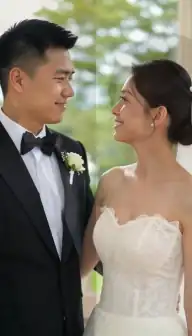
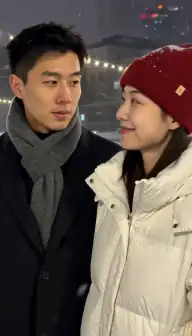

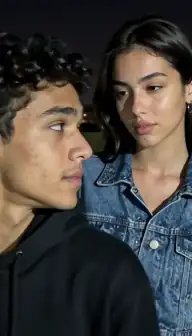
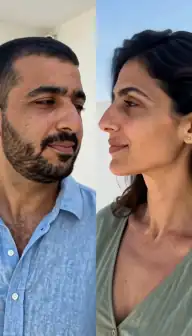
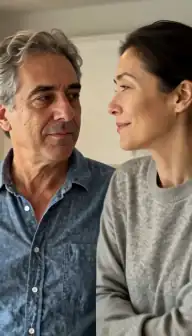
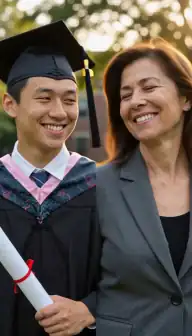

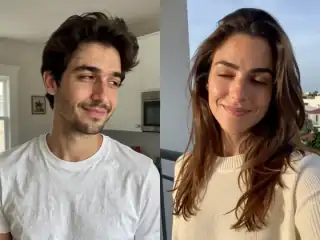
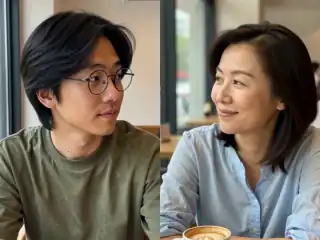
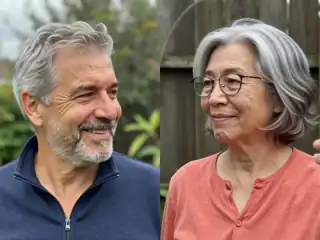
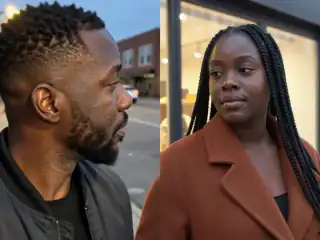
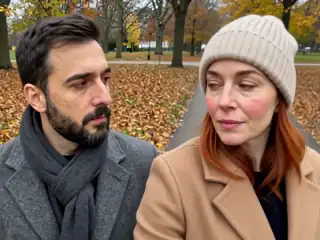
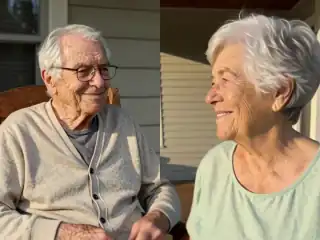
No account
No sign-up, no email, no password.
Photos stay yours
Used for your clip, then deleted.
Stripe checkout
Card details never reach us.
One-time payment
No subscription, nothing renews.
How it works
From two photos to a clip of 5, 10 or 15 seconds
Three steps in the browser. Generation usually takes under a minute.
- Step 1
Open the app in your browser
There is nothing to download and no account to make. The app opens in Safari, Chrome or whatever browser is already on your phone or computer.
- Step 2
Add a photo of each person
One photo per person, or a single photo that already has both people in it. Head and shoulders in frame gives the model room to put the arms.
- Step 3
Choose Hug and a length
Pick the Hug style rather than Kiss, set 4:3 or 9:16, and choose 5, 10 or 15 seconds. The price follows the length and is shown before you pay.
- Step 4
Download the MP4
Most clips come back in under a minute, with sound and no watermark. If a generation fails, every credit it cost is returned automatically.
Details
Photo requirements
Most failed generations come down to the source photos, not the model. These are the ones that matter.
- One photo of each person, or one photo that already contains both of them.
- Head and shoulders in frame. A crop that is tight to the face leaves nowhere for the arms.
- Faces towards the camera, evenly lit, with the eyes visible.
- JPG, PNG or WebP, as sharp as you can find. A flat, in-focus scan of an old print works.
- Similar brightness and distance in both photos, or the clip reads as a collage.
- Your own photos, of adults who agreed. No minors, and no public figures without consent.
Two photos in, the same two people out
The whole product is one sentence: you supply two photographs, and the video that comes back has those two faces in it. Nothing in the flow substitutes a generated person for someone you uploaded, and there is no library of pre-made couples you have to pick from instead. The hug style is one of fifteen the app can run, plus a custom prompt, and it is the one that animates an embrace rather than a kiss.
That sounds like the minimum a photo-to-video app should do, and it is. It is on this page because it is the thing people most often say they did not get. When we read 1,043 one- and two-star App Store reviews of other apps in this category on 13 September 2026, the sharpest cluster in the whole set was people describing an advert that promised exactly this and an app that would not do it.
What reviewers of other apps report
These are verbatim quotes from public App Store reviews of other AI hug and kiss apps, read on 13 September 2026. They are quoted as complaints people made on a date, not as a claim about what any of those apps does today; every one of them may have changed since. They are here because they describe the same failure over and over, and it is the failure this page exists to answer.
The clearest one is a review of Boom AI, an app with 3,833 ratings of which 90% of the fifty most recent we read were one or two stars:
"I just saw one of their ads. It said you can take two photos and make them hug and kiss. This is false advertising. You can not use your own photos for this. The only option now is to write a text prompt and the app will generate the subjects for you. There is no way I can find to use your own photos."
A reviewer of a different app that ranks on the same search terms put it more simply: "this is the worst app ever because when I just put a picture in it, it's not letting me hug or kiss!" And a third, on the same app: "You have to pay for literally what they were showing in the video a.k.a. the AI hug trend."
The pattern in all three is the same. The advert shows two real photographs becoming one hug. The product turns out to be a prompt box, or a gallery of pre-made templates, or a paid tier the advert never mentioned. If you want the version the advert showed, that is what this page is describing, and there is a longer comparison of Boom AI and the alternatives if you are switching from it specifically.
How two photographs become one moving frame
The model that makes the video takes exactly one image as its starting point, so the first thing that happens is that your two photos are combined into one. That composition happens in your own browser, before anything is uploaded: each photo is fitted into half of a single canvas in the shape you chose, 4:3 or 9:16. The result is one picture with both people in it, which is what gets sent.
From there a video model animates that single frame into motion, and the direction it is given is the style you picked. Hug moves shoulders and arms and brings two bodies together; Kiss brings two faces together instead. The first moment of the clip, where the two halves of the composed image dissolve into one scene, is trimmed off before you get the file, because out of context it reads as a glitch.
This is also why the two photos matter more than anything else you can control. The model is not looking anyone up; it only has the pixels you gave it. The how it works page has the full sequence, and there is a walkthrough of the whole flow in making a kiss video from two photos.
Choosing the two photos
Framing is the one thing that decides a hug. An embrace needs shoulders and ideally a little upper arm; a photo cropped tight to the face gives the model nowhere to put the arms, and the result is usually the awkward one people post as a joke. Head and shoulders, or head to mid-chest, is the shape that works.
Keep the two pictures consistent with each other. Similar brightness, a similar distance from the camera, similar sharpness. A daylight photo next to a dim indoor one looks like two pictures glued together regardless of how good the animation is. Old scanned prints are completely fine, and are often the entire point, but scan them flat, in focus, and without glare across the face.
Faces should point roughly at the camera with the eyes visible. Sunglasses, deep shadow across the eyes and strict side profiles all take detail away from the one thing the model needs most. The full checklist is in the photo requirements guide.
What you actually get, line by line
The table is the short version of everything above. It is also what the complaint cluster is asking for: the specifics that adverts leave out and that people only discover after paying.
| What people ask | What happens here |
|---|---|
| Can I use my own two photos? | Yes. That is the only input. There is no prompt-only mode and no stock template gallery. |
| Do I have to download an app? | No. It runs in the browser you already have, on iPhone, Android and desktop. |
| Do I need an account? | No. An anonymous session is created in your browser. No email address, no password. |
| How long is the clip? | 5, 10 or 15 seconds, chosen before you generate. The price follows the length. |
| Does it have sound? | Yes. The model renders its own audio, so every MP4 arrives with a sound track. |
| Is there a watermark? | No watermark on the file you download. |
| What if the generation fails? | Every credit it cost goes back to your balance automatically, whatever length you picked. |
| Is there a subscription? | No plan is required to make a video. See pricing for what a clip costs. |
What it cannot do
It cannot invent detail that is not in your photograph. A blurry, low-resolution or badly scanned picture stays blurry in the clip, because there is nothing else for the model to work from. A strict side profile is the same problem: the far side of the face has to be invented, and invented faces are the ones that look wrong.
It will not hold three or more people straight. Group photos confuse who is embracing whom, so crop to two before uploading. Arms and hands are the hardest part of any hug to generate, so an odd finger or a strange sleeve turns up now and then even with good source photos.
And it makes no promise about how closely the result resembles you. Likeness is decided almost entirely by the photographs, which is a long enough subject to have its own page. What is promised is narrower and testable: the faces the clip is built from are the faces you uploaded, and a failed generation costs you nothing.
Consent & safety
An AI kiss video puts two real faces in a scene that never happened. That only works if everyone in the frame is fine with it, so these rules are not optional.
Only photos you are allowed to use
Use photos of yourself, or of people who agreed to appear in the video. No public figures without their consent.
No minors, ever
AI Kiss is for adults and the people they have permission to include. Photos of children are not allowed.
Nothing explicit
The generated clip is a short, PG-style kiss or hug. Sexual, hateful or harassing content is against the Terms.
Your files, your call
Photos are uploaded to generate the clip and videos are stored on your anonymous account. Ask us to delete them and we will.
Full detail lives in the Terms of Service and the Privacy Policy. Deletion requests go to privacy@aikiss.app.
FAQ
Questions people actually ask
Can I make an AI hug video from two separate photos?
Does it use my photos, or does it generate people?
Do I have to download an app?
How long is the hug video and does it have sound?
Can I use an old photo of someone who has died?
What happens if the result is not what I wanted?
Is this the hug your younger self trend?
Keep reading
Related pages
Other tools
From the blog
- How to Make an AI Kissing Video From 2 PhotosThe exact two-photo workflow for making people kiss with AI: one person per photo, matching light and angle, choosing the aspect, cost, and fixing failures.
- The Hug Your Younger Self AI Trend, ExplainedHow the hug your younger self AI trend works: one childhood photo, one recent photo, the Hug style, and the tips that make old scanned prints animate well.
- AI Kiss Photo Requirements: Why Generations FailFace size, angle, lighting, resolution, glasses and group shots decide whether an AI kiss video works. What to look for, why it matters, and a checklist.
Ready to try it?
Upload two photos, pick a style, and get a short clip back in under a minute.